
Maya R.
Customer Education Lead
PDF to Video helped us turn a dense onboarding PDF into a video draft we could ship much faster than our old workflow.
 SceneFlow
Free PDF To Video Converter
Upload a PDF or PPT. AI plans the story, drafts scenes, and exports a reviewable video in minutes. No login required.


SceneFlow is a free online PDF to video converter with a document-first workflow. Upload your PDF or PPT, let AI draft the scenes,
review the storyboard, and export - built for educators, trainers, social media, and marketing teams.
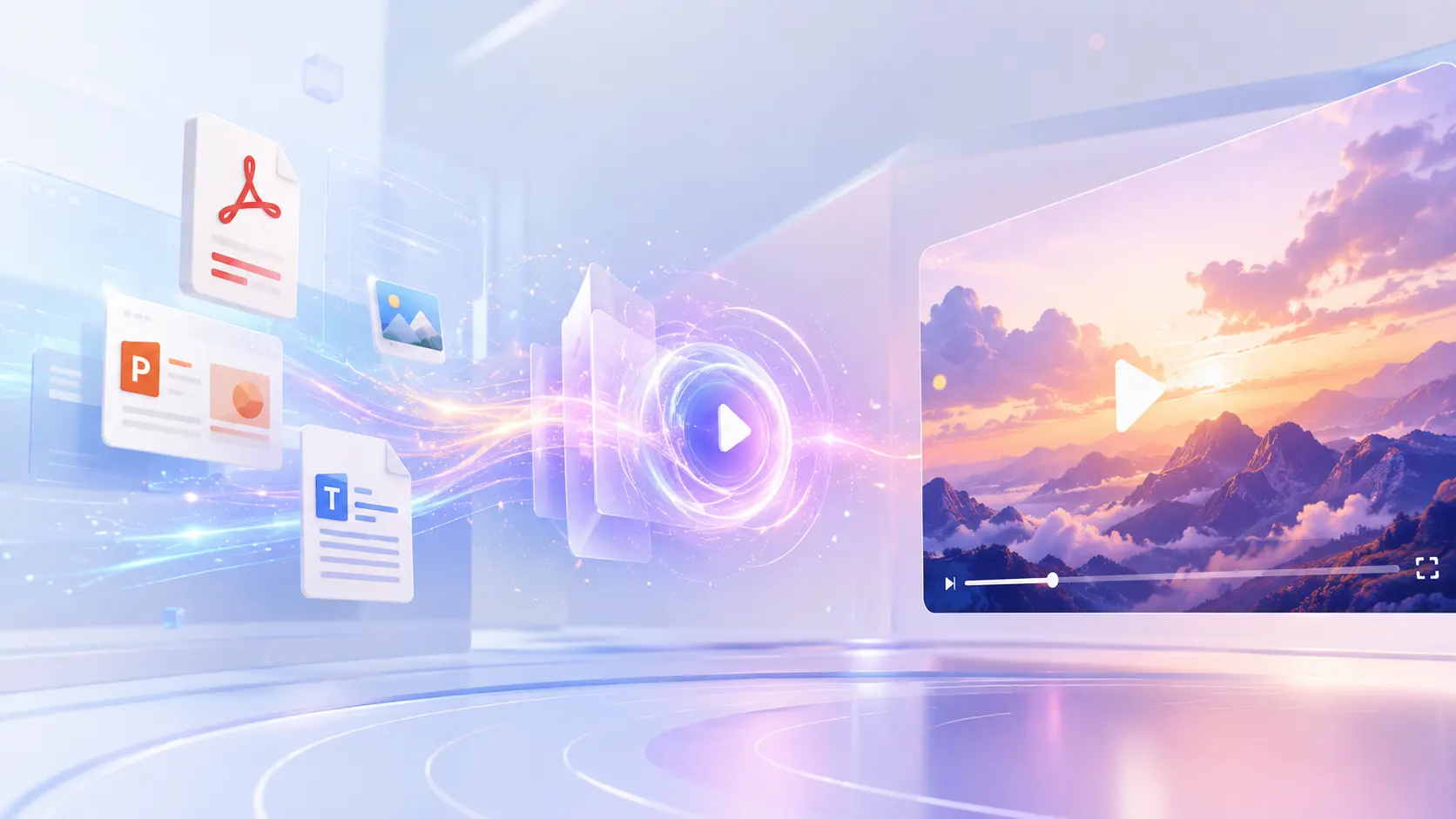
Demo Preview
We will replace this preview with a real SceneFlow walkthrough video. For now, the homepage shows a static product snapshot instead of requesting a missing media file.
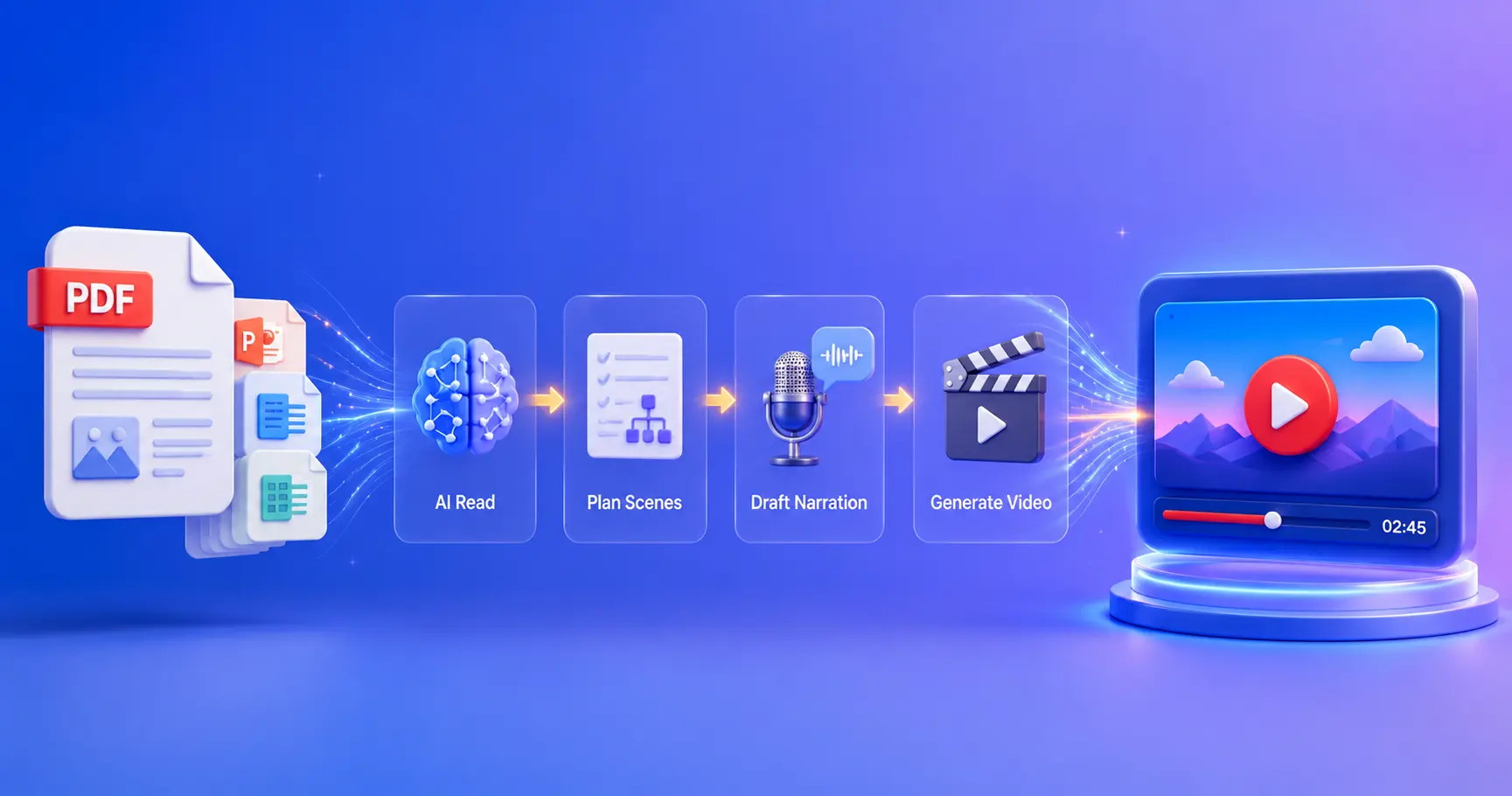
SceneFlow is a free online PDF to video converter that turns PDFs, slide decks, training guides, reports, and onboarding documents into structured video drafts. Instead of starting from a blank prompt or template, SceneFlow reads your document structure first - then plans scenes, drafts narration, and outputs a reviewable video you can refine before exporting. Built for training teams, educators, marketers, and social media creators who already have content in documents and need a faster path to video.
The SceneFlow workflow preserves your document's structure, key points, and teaching flow - so the first video draft is already close to something your team can review, approve, and publish.
Built for people who already have content in a PDF and want a faster path to video without rewriting everything into prompts. Choose Lite mode for speed or Structured mode for stronger document fidelity.
Structured mode reads sections, flow, and key points before it proposes scenes, narration, and pacing, while Lite mode gives you a faster draft.
Check the video logic before final rendering so you can fix structure, emphasis, and pacing earlier.
Designed to preserve the meaning of manuals, decks, reports, and lessons instead of flattening them into generic video templates.
A strong fit for recurring manuals, decks, training packs, explainers, onboarding docs, and lessons.
Generic tools are strong at prompt-based creation. This workflow is stronger when your starting point is already a PDF.
Most AI video tools are built for prompts and templates, not for teams whose content already lives in PDFs. This PDF to video converter reads your document structure first, so the output reflects your actual content instead of a generic scene layout.
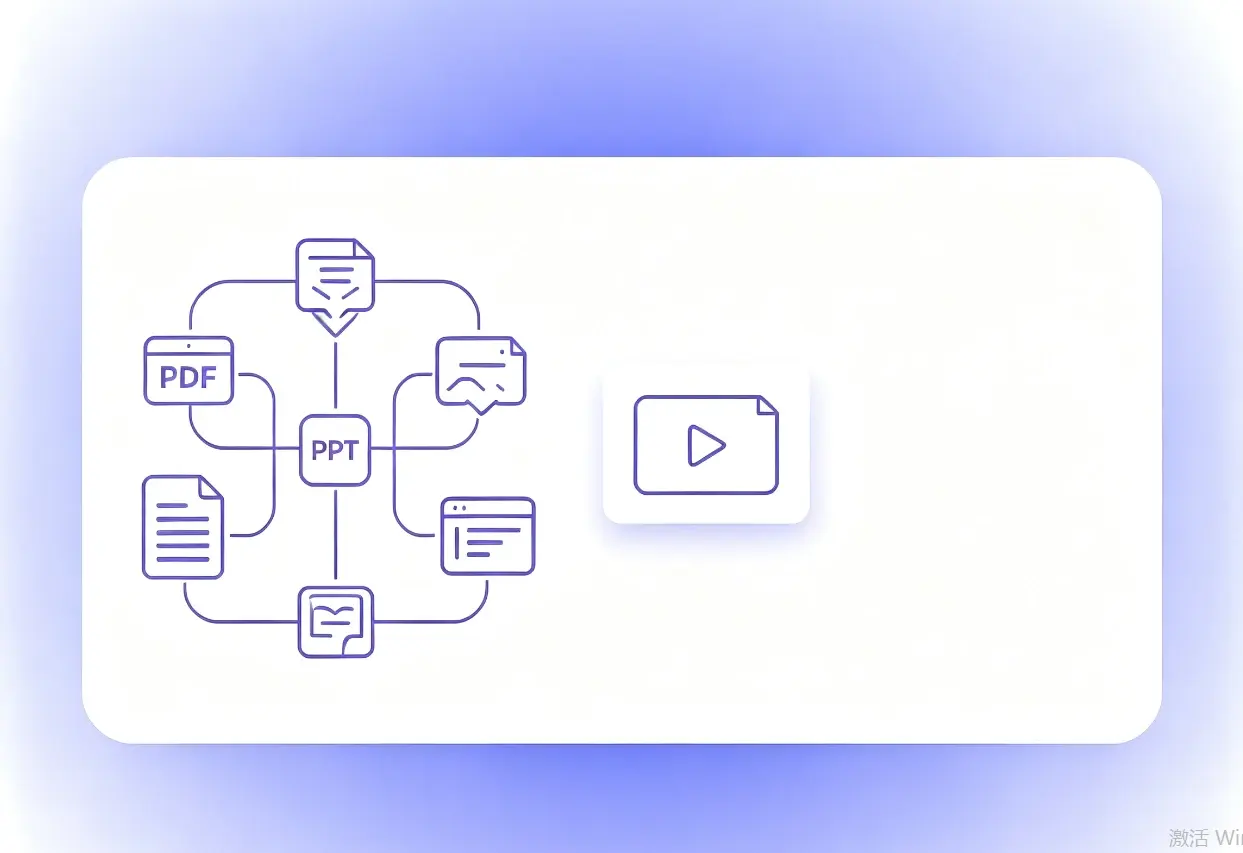
Start with the source that already exists in your workflow: PDF, PPT, text or prompt, or an article link. SceneFlow is built for turning existing content into a video draft instead of making you rebuild everything from scratch.
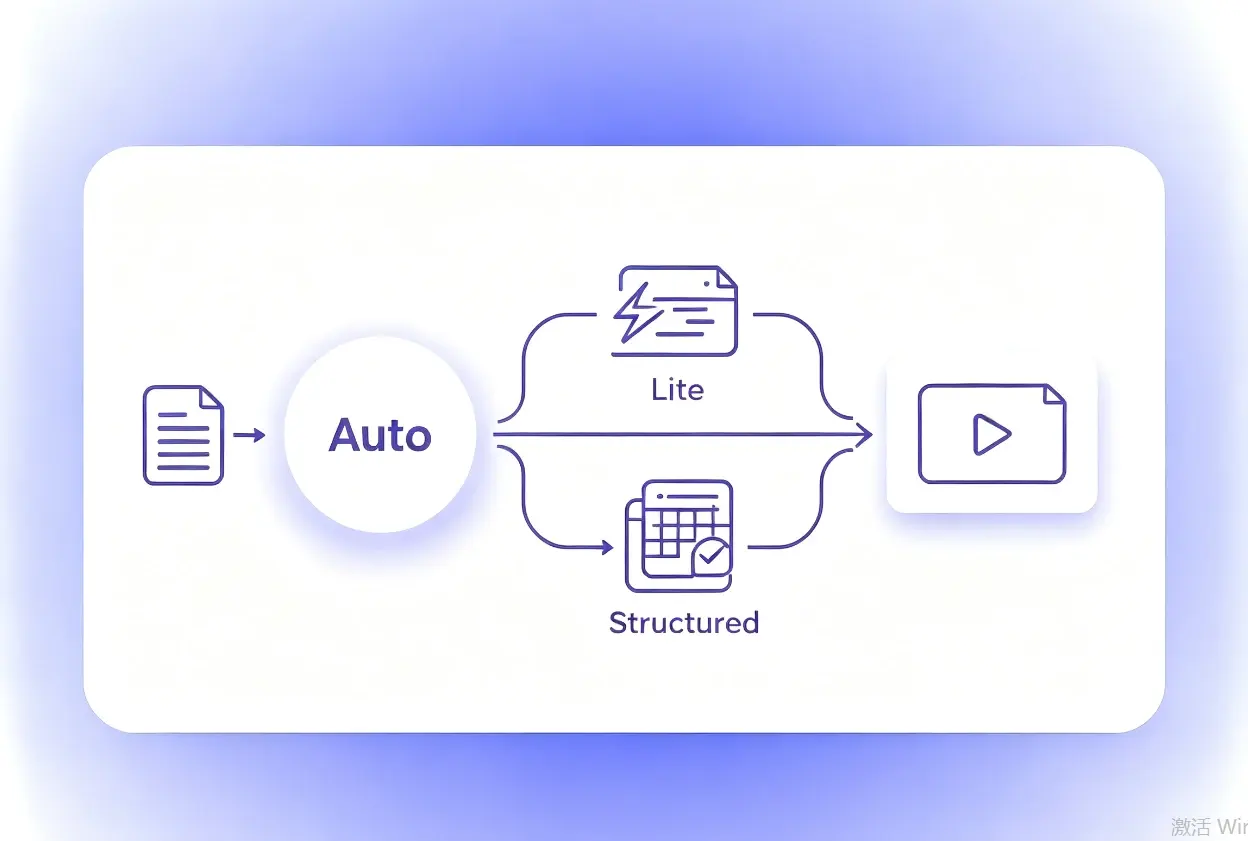
You do not need to manually choose a mode. Auto evaluates the input and decides whether to use Lite for a faster pass or Structured when document fidelity and structure matter more.
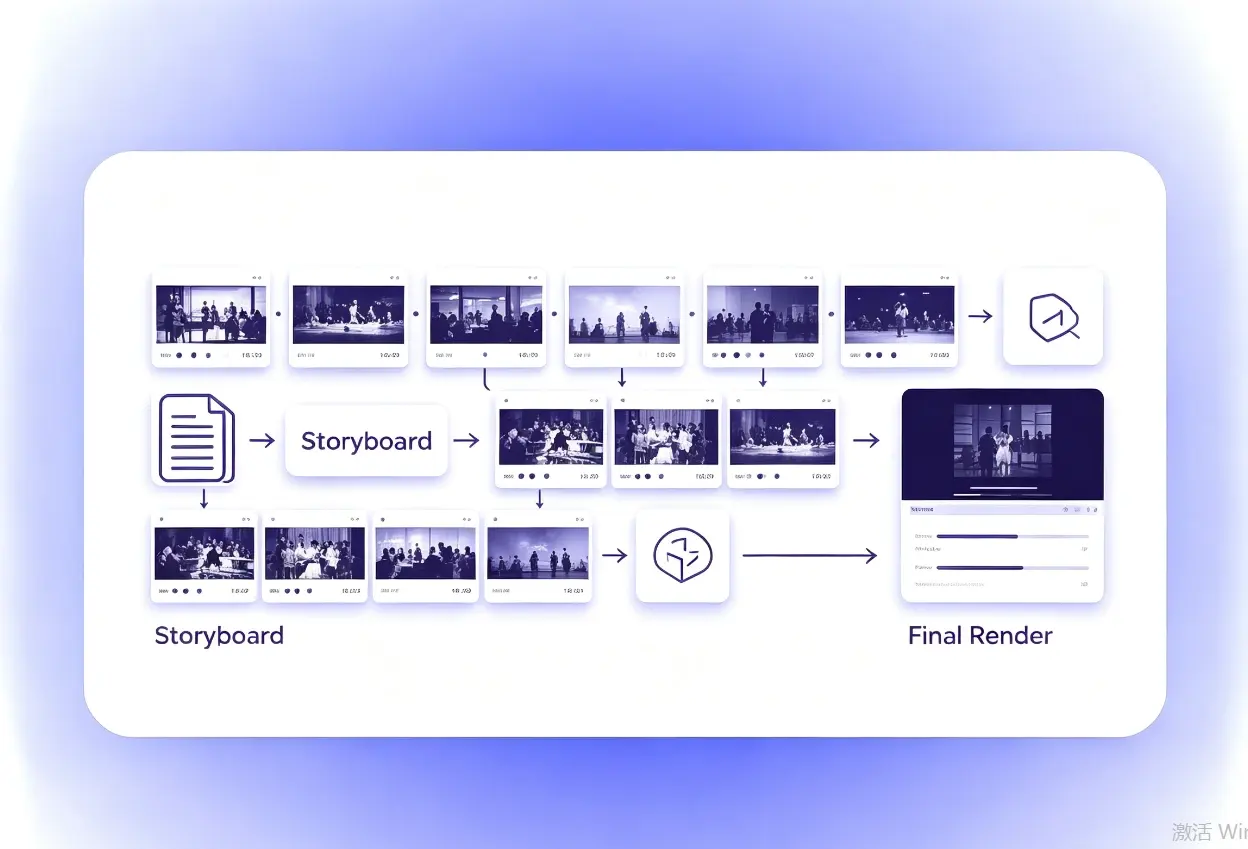
SceneFlow reads the document structure, drafts scenes and narration, and turns that into a reviewable storyboard. You can validate the logic, pacing, and emphasis before committing to a final video output.
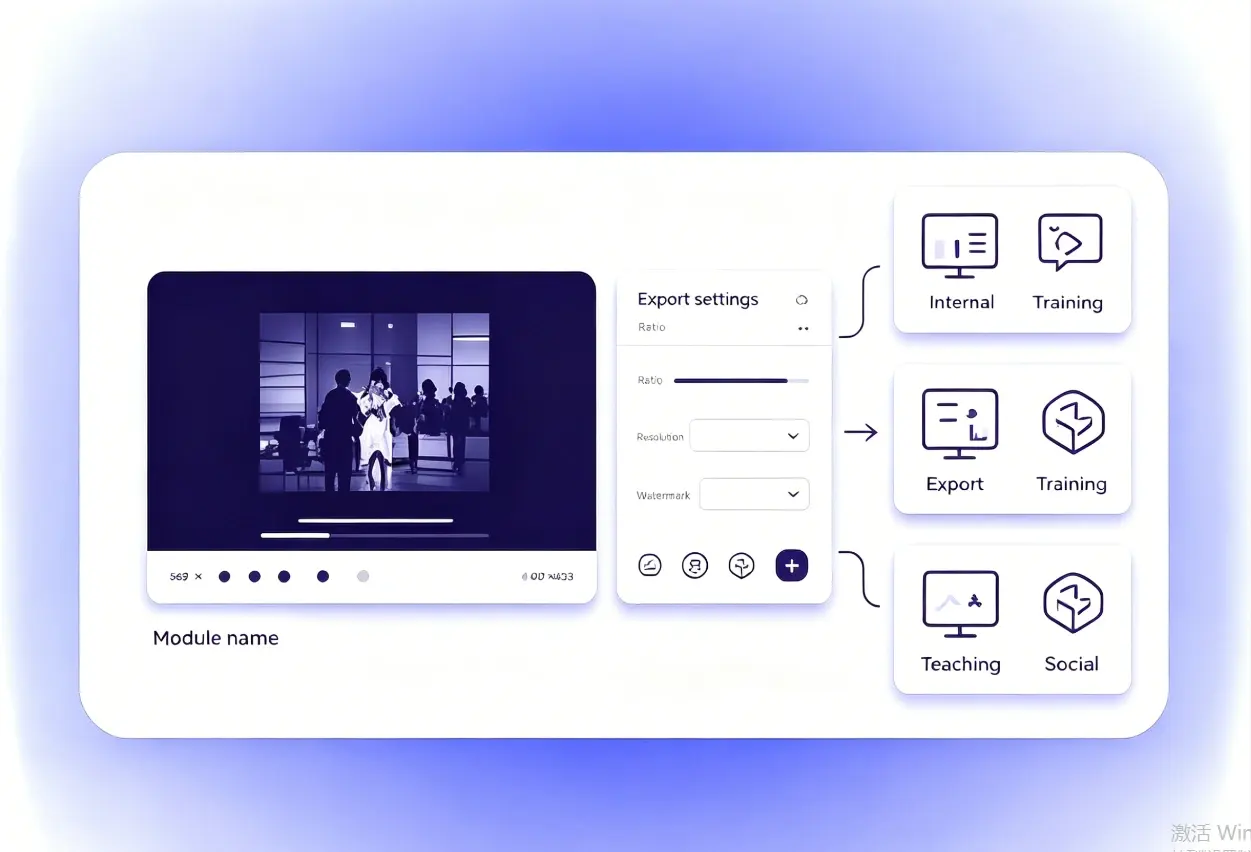
Once the draft direction looks right, export with the output settings you need, such as aspect ratio, voice, resolution, and watermark. The result is ready for internal training, teaching content, or social media repurposing.
SceneFlow Blog
If you are comparing PDF to video tools or trying to turn training guides, decks, and onboarding documents into video faster, start with our step-by-step guide on document-first video workflows.
Turn lecture slides, study materials, and PDF lessons into clearer teaching videos.
Convert SOPs, internal guides, and onboarding PDFs into reusable learning content.
Repurpose brochures, whitepapers, and campaign PDFs into explainers or social-ready video assets.
Turn scripts, outlines, research notes, and source documents into faster first-draft videos for YouTube, short-form, or educational content.
Speed up first drafts for client explainers without rebuilding every document into a video from scratch.
Turn product docs, process guides, and help content into more watchable internal or customer-facing videos.
Maya R.
Customer Education Lead
PDF to Video helped us turn a dense onboarding PDF into a video draft we could ship much faster than our old workflow.

Nate C.
Product Marketer
We use PDF to Video to turn launch docs and one-pagers into explainers our team can review before handing anything to production.

Olivia T.
Instructional Designer
Instead of reformatting lessons slide by slide, PDF to Video gives me a clean first pass from the course material we already maintain.

Ethan J.
Freelance Producer
It is especially useful for client drafts. I can validate the structure and narration direction before deeper editing starts.

Priya S.
Founder
PDF to Video makes our internal documents more reusable. A single PDF can become a help video, a customer explainer, and a social draft.

Leo W.
RevOps Consultant
I like how quickly PDF to Video turns process docs into something easier for teams to consume and share.
Upload your PDF to SceneFlow, review the AI-generated scene plan and narration draft, then export the final video. No sign-up or payment is required to get a reviewable draft.
Yes. You can upload PDFs, PowerPoint files, and other slide-based documents. The AI reads the structure of any supported file and plans scenes accordingly.
Most AI video generators start from a text prompt or template. SceneFlow starts from your actual document, reading sections, key points, and structure first, so the output reflects your content rather than a generic scene layout.
Yes. SceneFlow generates a storyboard and narration draft you can review and adjust before the final video is exported. This lets you catch issues early without waiting for a full render.
It is built for training teams, instructional designers, educators, marketers, social media creators, and anyone who already has content in documents and needs a faster path to video without rebuilding everything from scratch.
Training guides, onboarding documents, course materials, product one-pagers, reports, SOPs, and presentation decks all convert well because they already have clear structure the AI can use to plan scenes.
Yes. The exported video draft is suitable for internal training, e-learning platforms, marketing, and social media. You can also refine it further in any standard video editor before publishing.
SceneFlow is a free online PDF to video converter for teams and creators who already have content in documents and need a faster path to video. Upload a PDF, deck, training guide, or onboarding doc, and SceneFlow reads the structure, plans scenes, and gives you a reviewable draft in minutes. No rebuilding from scratch, no templates, and no sign-up required.
Convert PDF to Video Free